

Start by naming the precise problem you’re solving
Pick one core failure to avoid — poor visibility, repeated field failures, or integration headaches — and work backwards from that. If a room looks washed out or the control system keeps dropping a display, you’ve identified the real specification needs. From hands-on work specifying displays for a dozen retail and education installs and sourcing components during trips to the Shenzhen manufacturing hub, I’ve learned to treat use-case first, specs second; that habit also applies when considering related hardware such as all in one computer deals. Say what must never fail, then write specs that eliminate those failure modes.
Translate the problem into three non-negotiable specs
Turn complaints into measurable requirements: required brightness (nits) for ambient light, minimum operating hours per day (16/7 versus 24/7), and mounting or orientation limits. Demand exact inputs — HDMI 2.0 or higher, HDBaseT or LAN control if you need remote management, and a VESA pattern that matches your mounting hardware. List tolerances: acceptable input lag for touch use, acceptable weight for the bracket, and a clear power-consumption limit if you have constrained circuits. These concrete items force manufacturers and wholesalers to answer with certainties, not marketing language.
Choose display technology based on the environment and risk
Match technology to risk: LED-backlit LCDs handle long hours and bright rooms without burn-in risk; OLED gives richer black but needs careful placement away from static logos. For storefront windows or rooms with direct sunlight, raise your brightness spec — don’t assume auto-brightness will compensate. Ask suppliers for measured luminance and, if possible, measured contrast in the spec sheet rather than just “HDR support.”
Design connectivity and control around the whole system
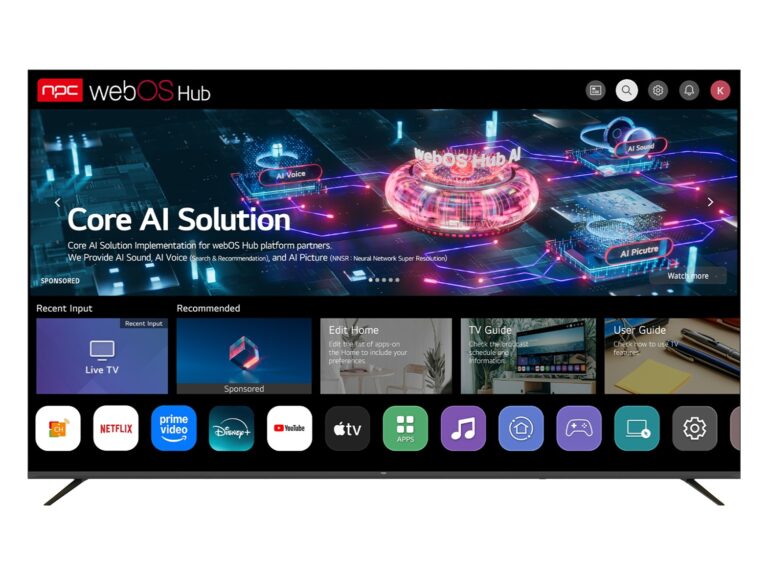
Think system-level control, not just a TV on a wall. Require LAN-based remote firmware updates, RS232 or IP control for integration with AV controllers, and a reliable content player strategy. If the project uses centralized scheduling, insist on APIs or SNMP for monitoring. That prevents the common scenario where each TV becomes a small, unmanageable island.
Set warranty, spare-part, and lead-time conditions up front
Specify on-site repair or next-business-day swap for critical installations; don’t accept consumer return-only warranties for 24/7 displays. Require sources for replacement panels or spare power boards and confirm typical lead times for bulk orders. Ask wholesalers to state RMA processes in writing and to provide life-cycle information so you won’t be stuck with unsupported models three years down the road.
Use a practical acceptance and testing checklist
Before sign-off, run each unit in the actual installation: continuous operation for several hours, full input switching, color and gamma spot checks, and network control tests. Check for ghosting or stuck pixels, and verify firmware versions. For interactive installations, test touch accuracy across the surface and confirm mounting stability under load. Document outcomes and let those test results drive any final changes to the spec.
Common mistakes and alternative approaches to weigh
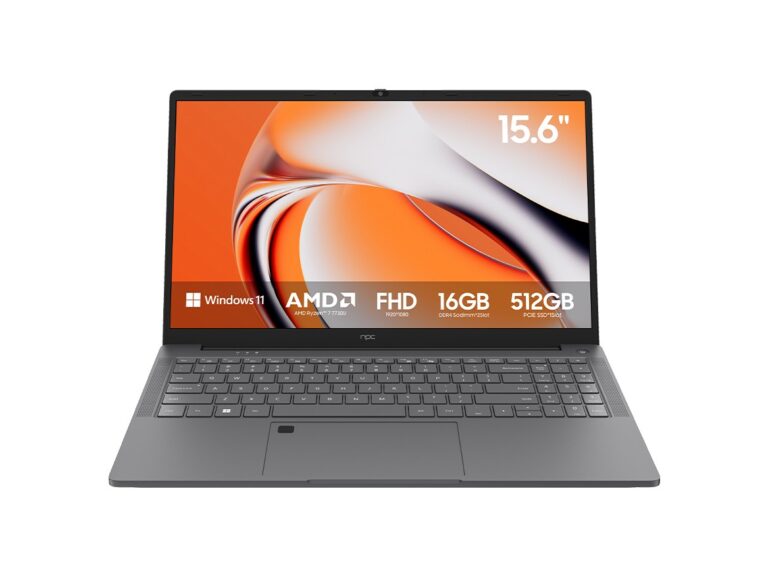
Don’t overbuy features you’ll never use — fancy smart platforms add failure points. Don’t under-spec brightness or duty cycle. If you need centralized computing, consider commercial signage players or industrial all-in-one PCs rather than embedded smart TV software; they simplify maintenance and reduce vendor lock-in. When budget and reliability both matter, commercial-grade displays beat consumer models for predictable long-term behavior.
Final practical decision framework
Name the single worst outcome you must avoid, pick measurable specs that eliminate it, require system-level control and clear service terms, and test before acceptance. That clarity is precisely what partners such as npc bring to project work, helping your team move from worry to a reliable installation without guesswork.